Watch it work
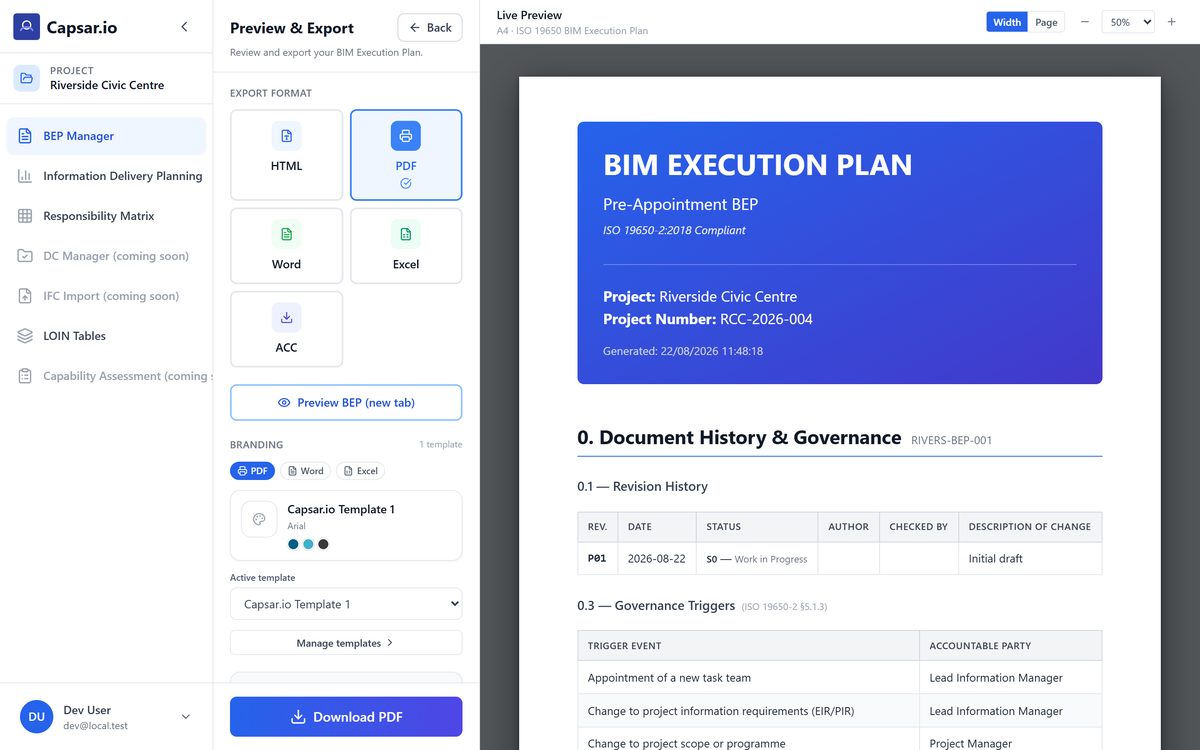
A project opened, the client’s EIR read by the AI, the plan written section by section and exported as a PDF. Then open whichever session is yours, on the right.
BIM Execution Plans, the Exchange Information Requirements they answer, and every other ISO 19650 document that depends on the two — on one project, with AI you decide where to run: on Capsar’s own server when the project is confidential, or on Google Gemini when speed matters more. Built by a practitioner delivering on infrastructure, aviation and regulated programmes.
One recording of the whole workflow, and a live session for each side of the appointment.
A project opened, the client’s EIR read by the AI, the plan written section by section and exported as a PDF. Then open whichever session is yours, on the right.
Write the requirements section by section on a sample office project, with the OIR, PIR and AIR they trace back to already filled in and open to edit.
Read two finished BEPs for a substation rather than an empty template, then write sections of your own, with the AI suggesting wording field by field.
Opening either session asks for an email address and the six-digit code sent to it — no account and no password, but not nothing. From there the session runs on a clock, counted along the top of the screen, and what you write is kept until it runs out. Everything that would carry a project out of the demo is locked — uploads, publishing, sharing, scoring and exports — so it is a test drive rather than a free tier. A workspace that stays, on a project of your own, is what beta access is — that conversation is at the foot of this page.
Three problems that every BIM manager and information manager recognises.
Every BEP starts from an empty template or a copy of the last one, and neither explains what a section needs, what good looks like, or how to align with this EIR. Days go into assembling the framework before a word of content is written, and the standard stays assumed — in the author’s head rather than in the tool.
Client requirements are buried in 30–50 page documents with no structure. Extracting what matters — and tracking whether the BEP actually responds to it — is manual and error-prone.
Generic AI tools send your project data to a third-party provider, and on sensitive infrastructure and defence work that is a non-starter. In Capsar you choose where the AI runs. Keep it on Capsar’s own server and the project never reaches an outside AI provider: slower, but it is the option for public-sector and confidentiality-sensitive work. Or run it on Google Gemini, which is faster and reads a long EIR in one pass, under terms where Google does not train on your data.
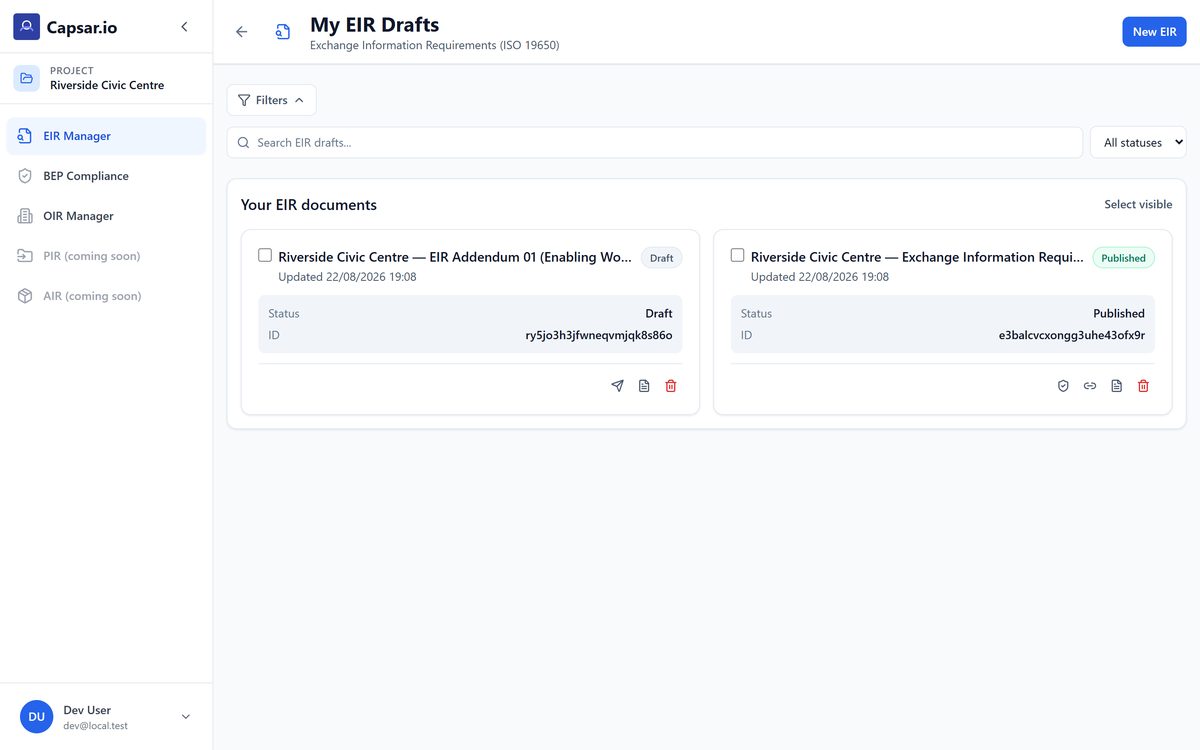
Five steps, built around the way real teams respond to a real EIR. From a blank template a BEP is 2–4 weeks of drafting; through these it is 3–5 days.
Drop the client’s EIR PDF into Capsar
Requirements parsed and structured automatically
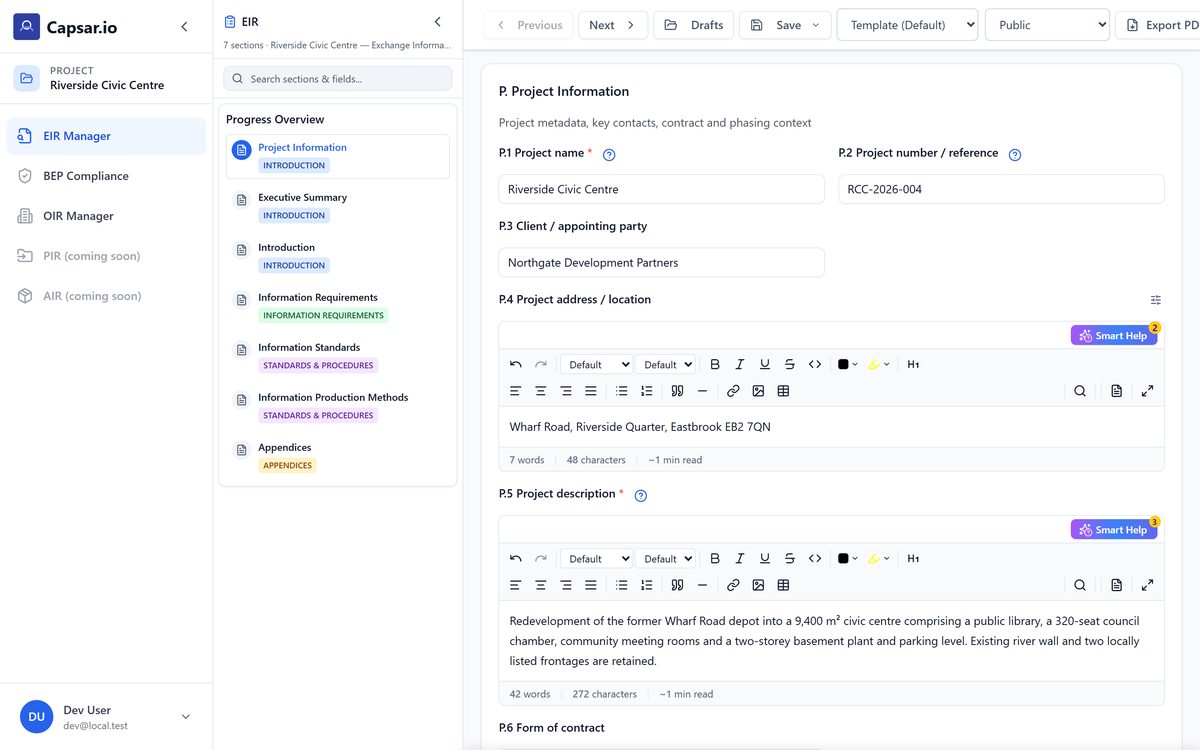
Smart Help on every field with AI-assisted content
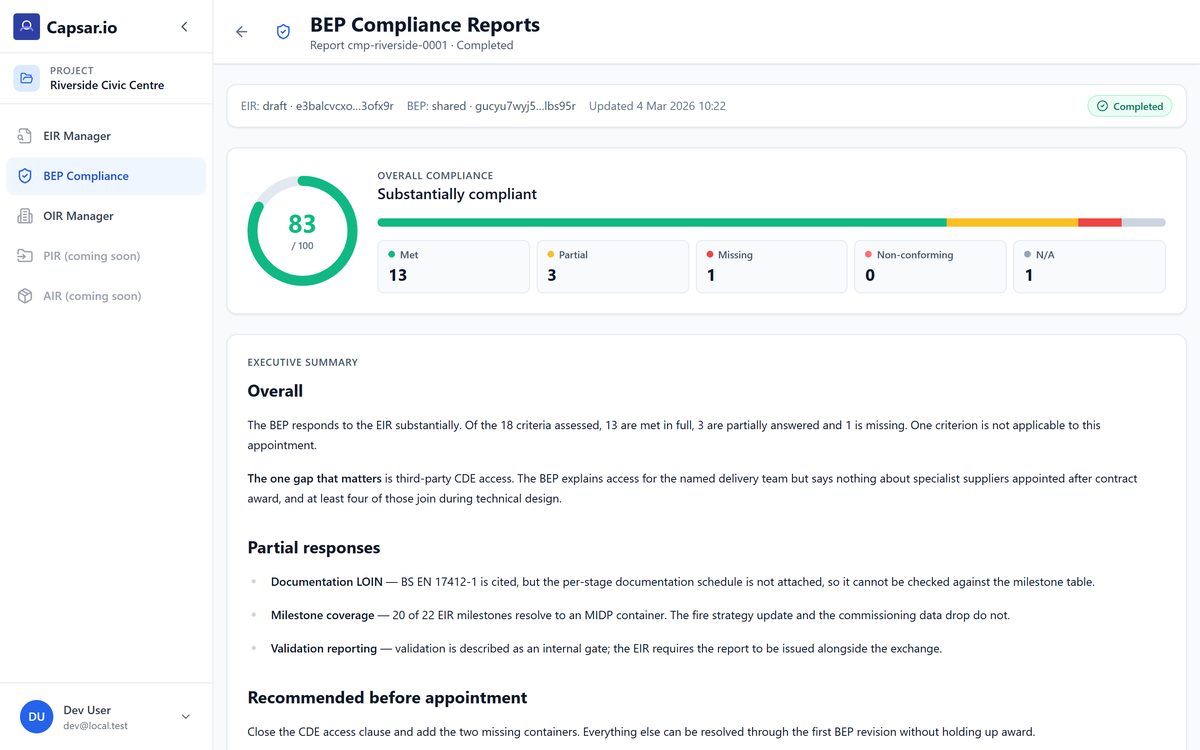
Responsiveness Matrix shows what’s covered and what’s not
Professional PDF & editable DOCX deliverables
The demo drops you into the third step, on a project that is already half built. Uploading your own EIR, checking the plan against it and exporting the result are what a beta workspace adds.
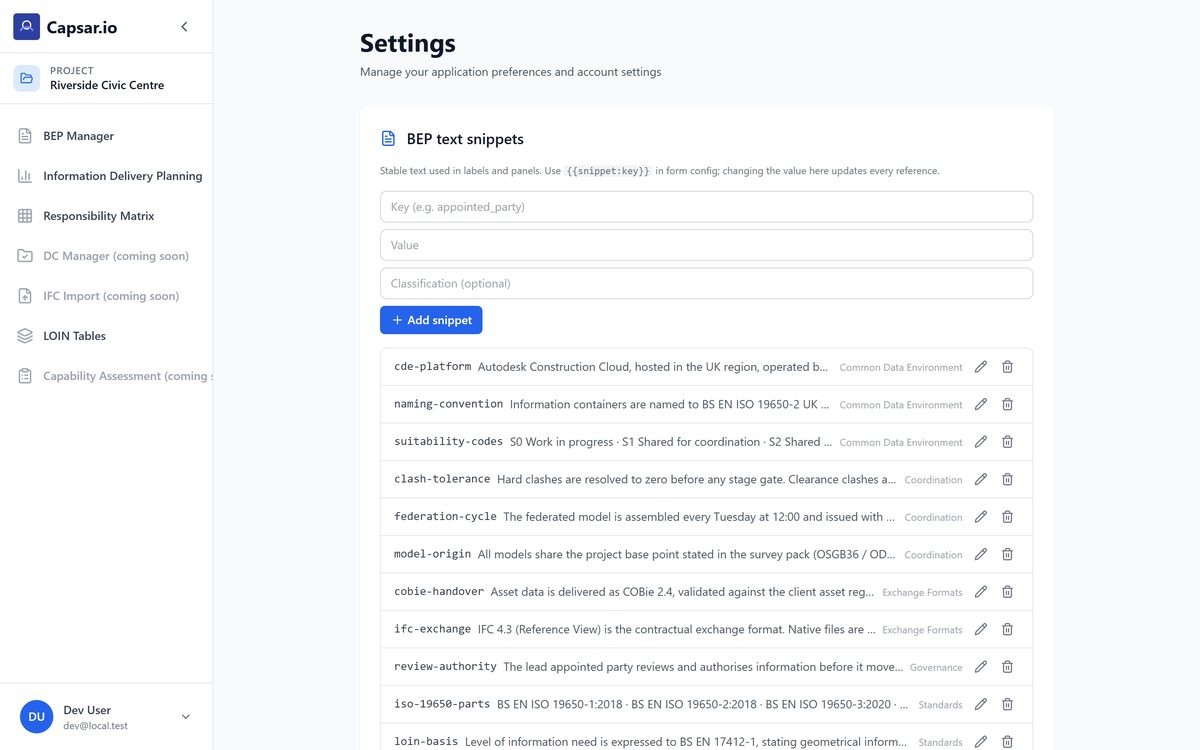
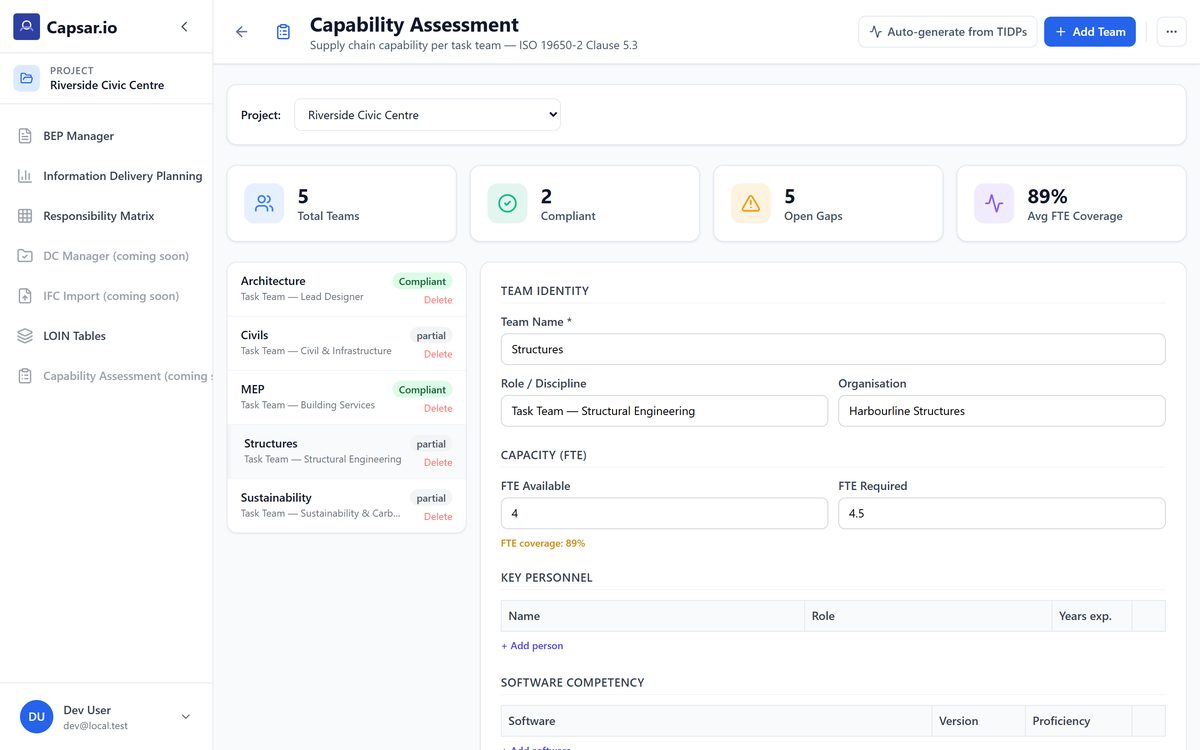
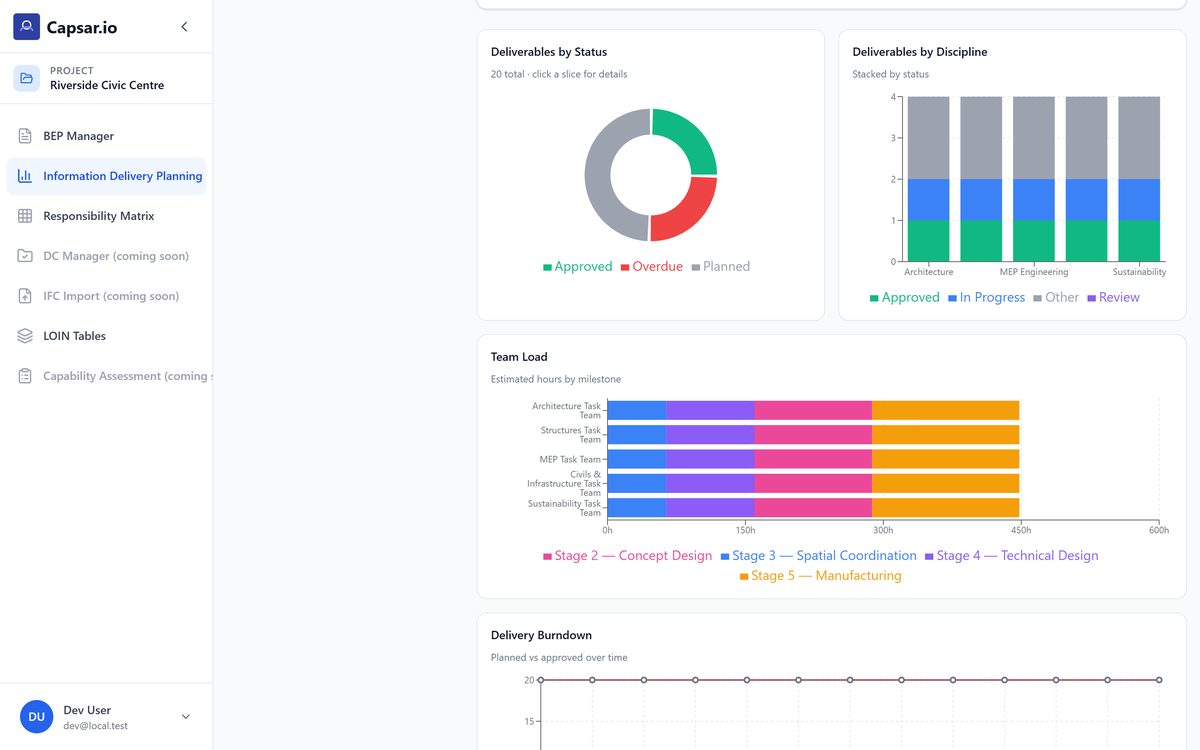
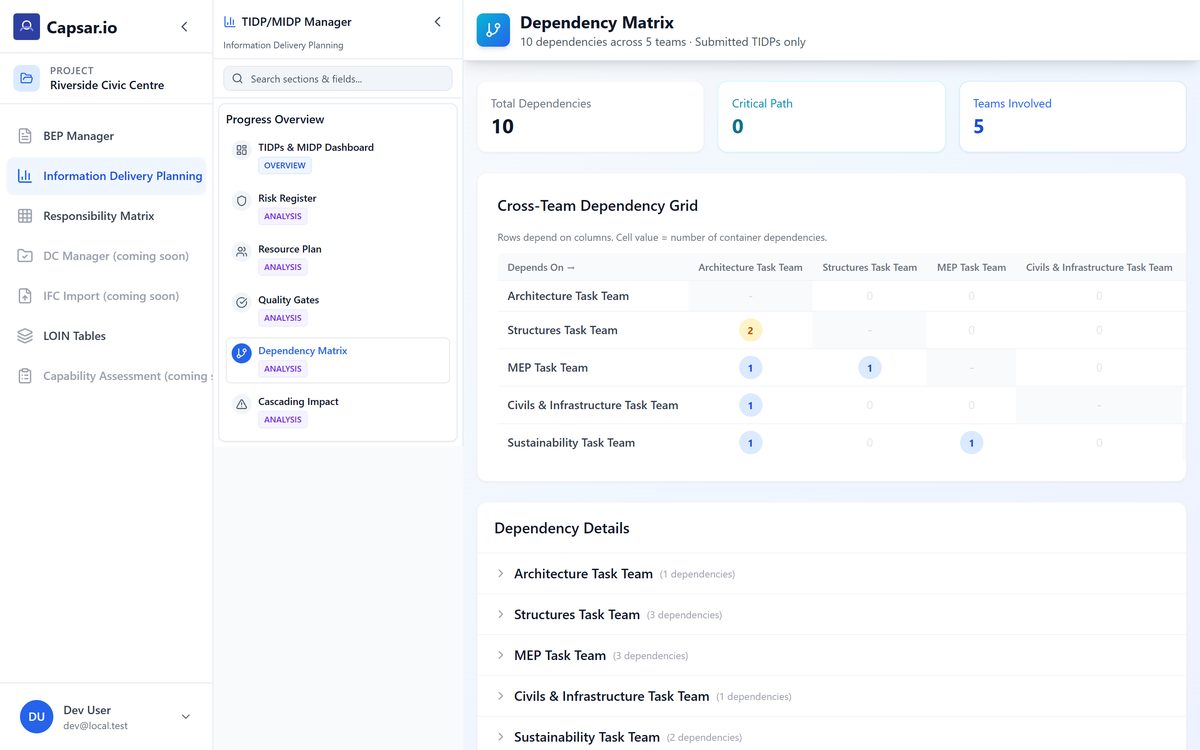
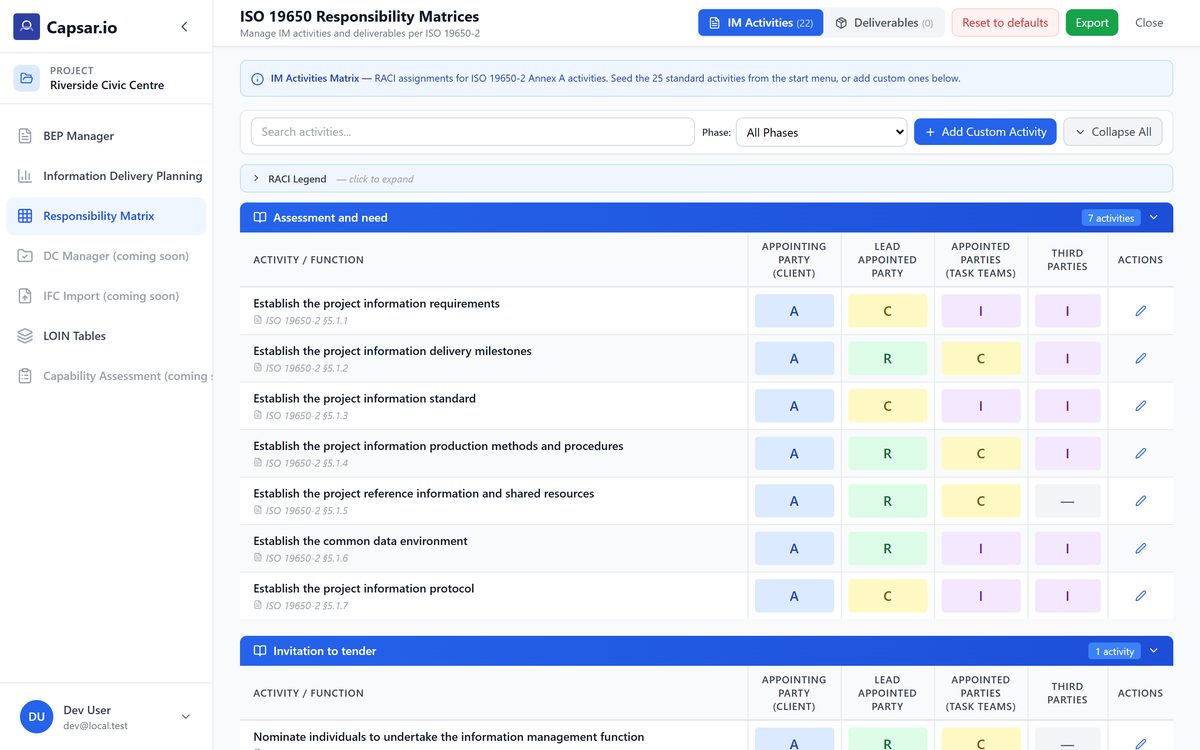
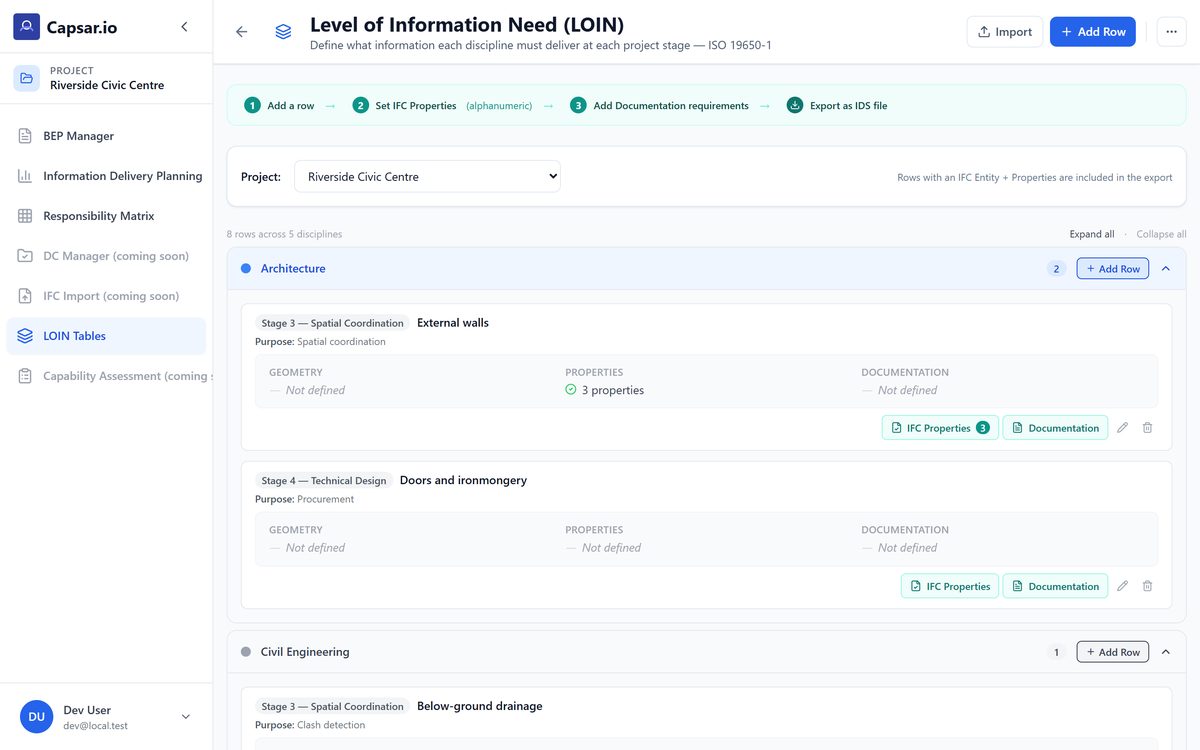
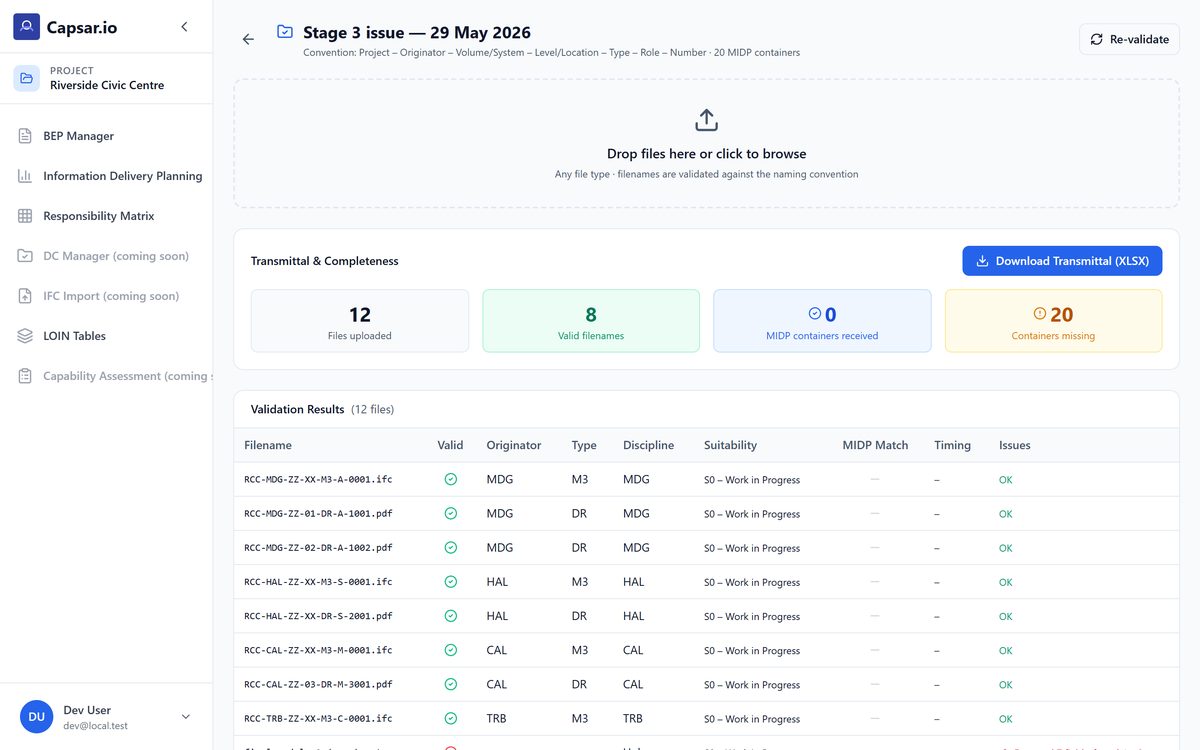
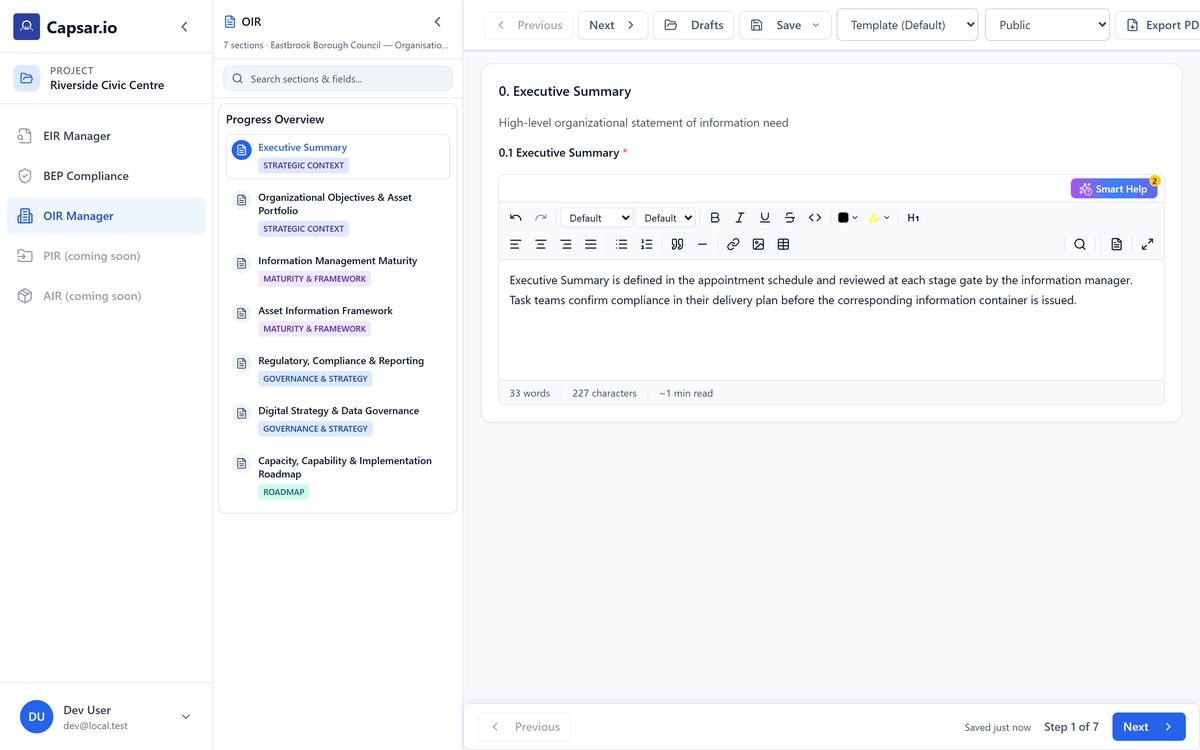
Open the demoThe ISO 19650 process has two sides and six phases between them, and the platform is laid out the way the standard runs rather than as a list of features. Each phase below is a panel of the running app on a worked project — real captures, cycling through their own screens.
The client side of the appointment. You say what the organisation, the project and the finished asset need to know, turn that into requirements a tender can answer, and score what comes back against them.
Scoring one BEP against your EIR is the free module you have just seen. Scoring every bid in a tender, running the clarification rounds and producing the award file is the part that replaces paid work — so it is the part that costs money.
You have the bids. This scores every one of them against your own EIR, clause by clause, and gives you the file that shows why you picked who you picked.
Bought inside the app, on the evaluation you have already run. Packs are activated on your workspace within one business day.
The lead appointed party’s side. You answer those requirements and evidence that your task teams can meet them, plan who produces what and when, then check what is produced against the plan you committed to.
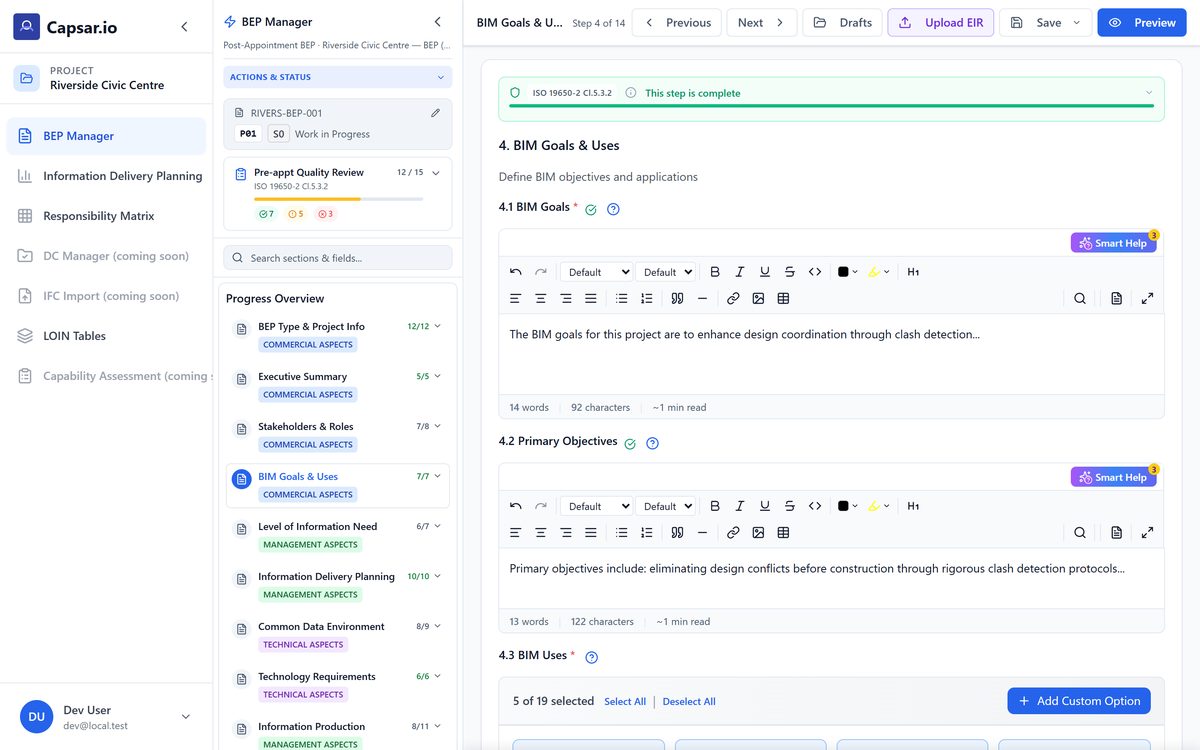
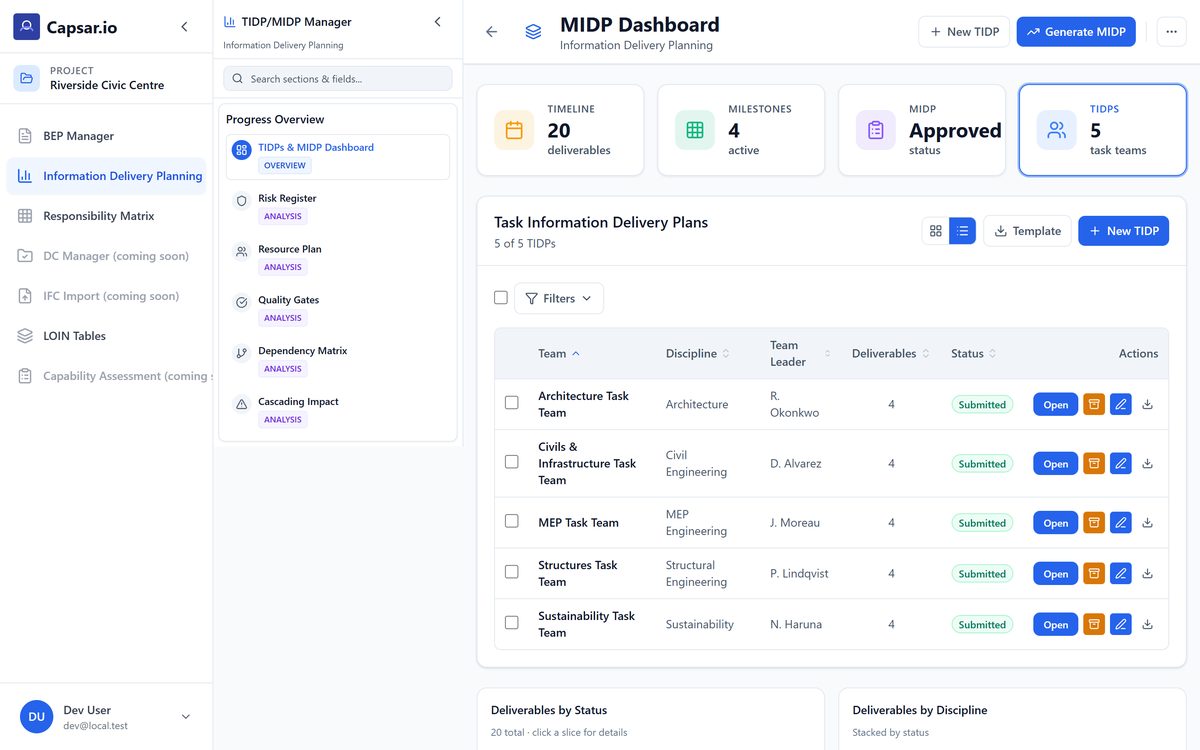
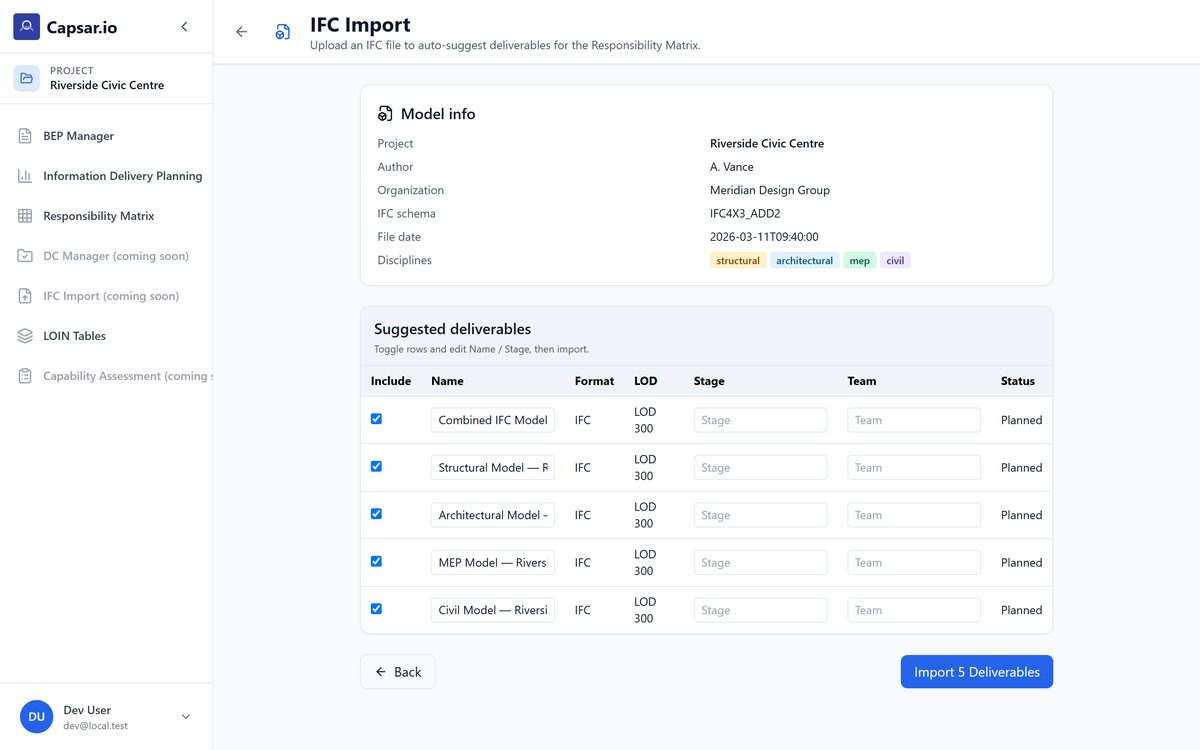
The demo is the whole application on a clock. If it matches how you actually work, the next step is a beta workspace on a real project of yours — or a partnership, if you build in this space too. Both start the same way: thirty minutes, no deck.
Invites are issued by hand, a few at a time — the app itself has no signup form. Leave an address and I’ll send you a passcode and a short getting-started guide, usually within a working day. Apart from the tender evaluation pack, priced above, early-access pricing is still to be decided. The teams who join now are shaping what Capsar becomes, and their founding-cohort terms will reflect that.
Request received. I’ll set the invite up myself and email you the passcode with a short getting-started guide.
Already have an account? Sign in at app.noeinsolutions.com